Seamless tiling
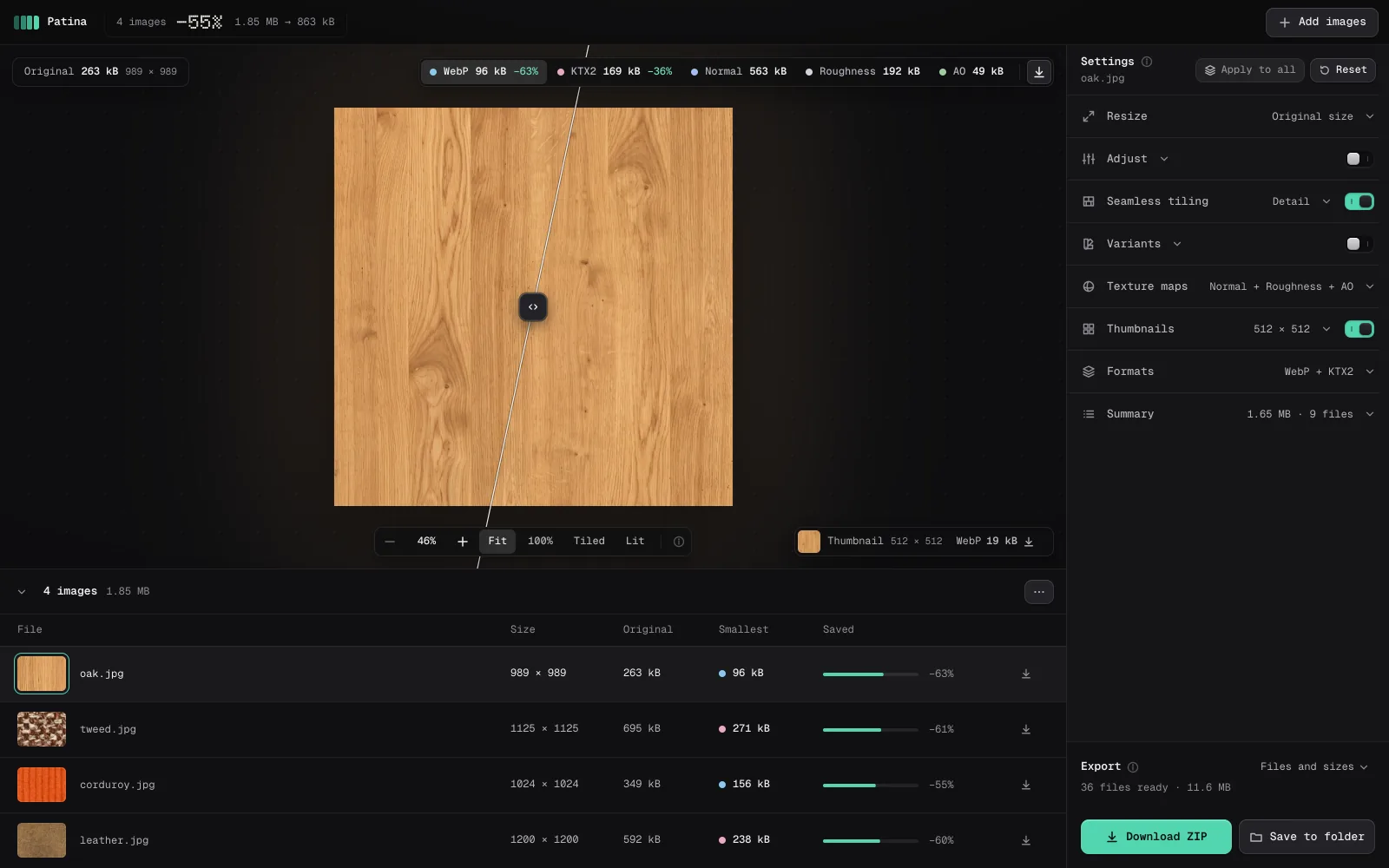
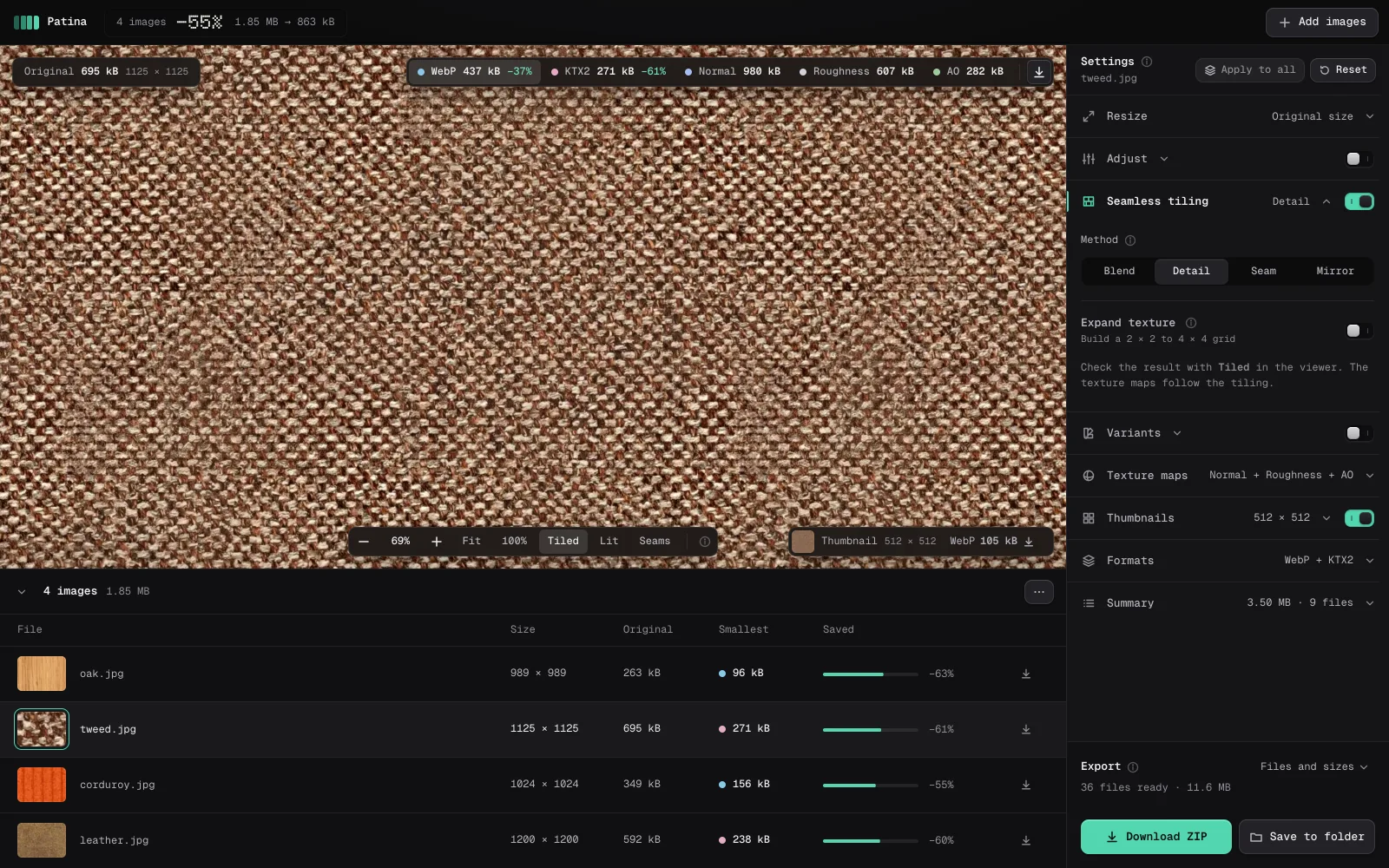
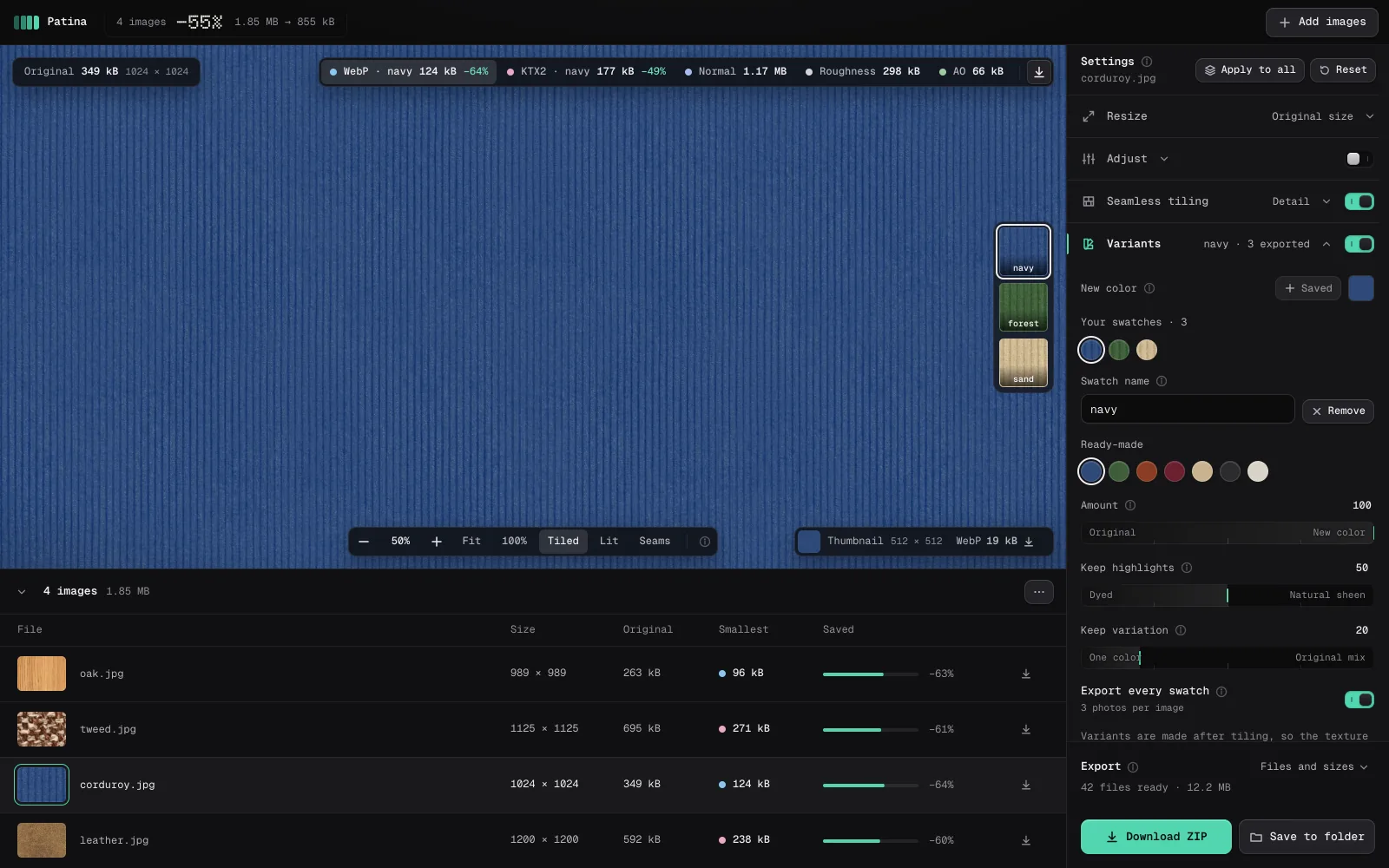
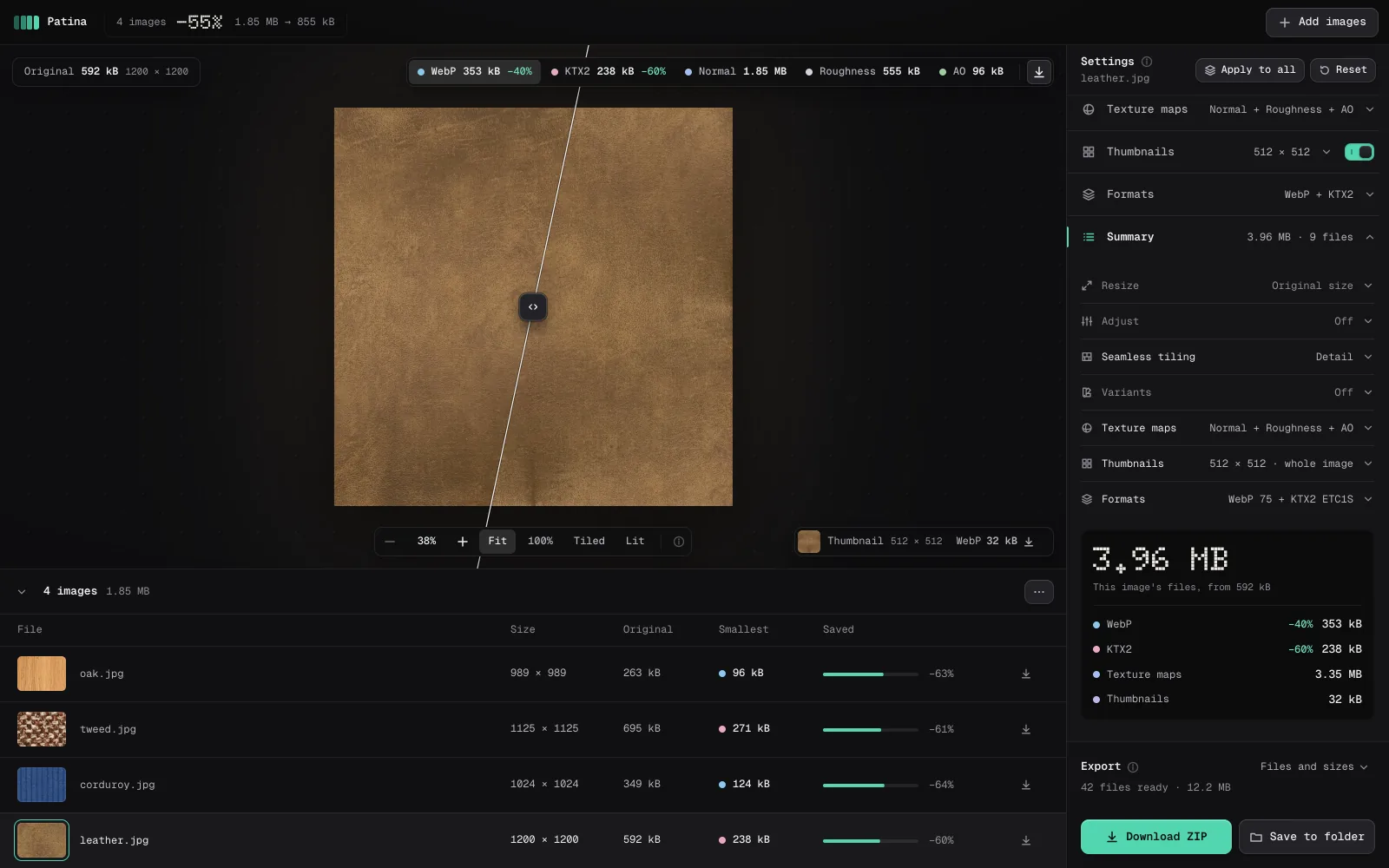
Four methods, Blend, Detail, Seam and Mirror, take the edges away so a texture repeats without a visible seam. Drag to compare.
Original
Seamless
Patina turns images of surfaces into seamless PBR textures with normal, roughness and AO maps, then exports them as JPG, WebP or KTX2. It all runs in your browser.
Exports drop straight into
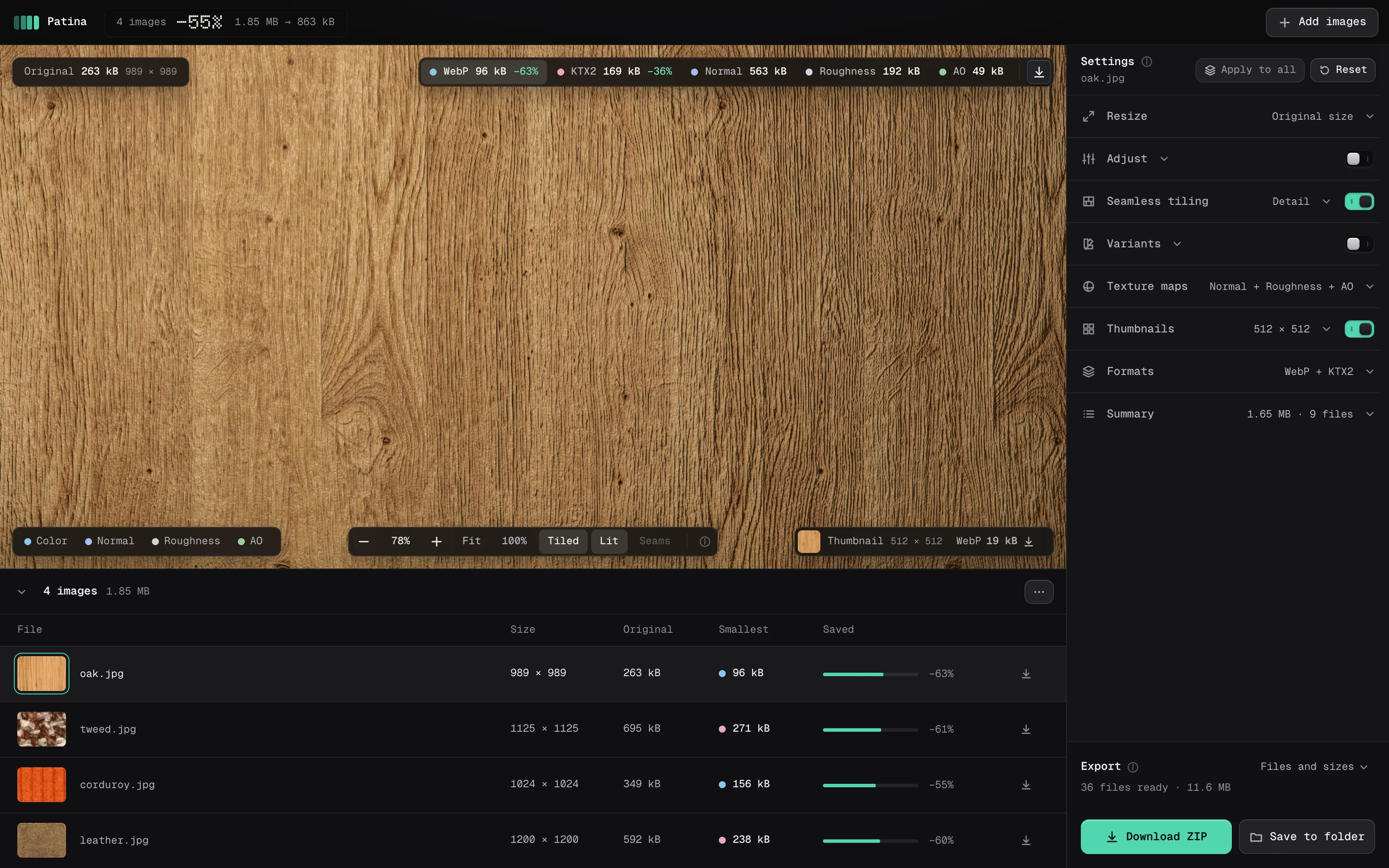
Tiling, maps, colour, compression and export in one pass, with the result in front of you before you download anything.
Four methods, Blend, Detail, Seam and Mirror, take the edges away so a texture repeats without a visible seam. Drag to compare.
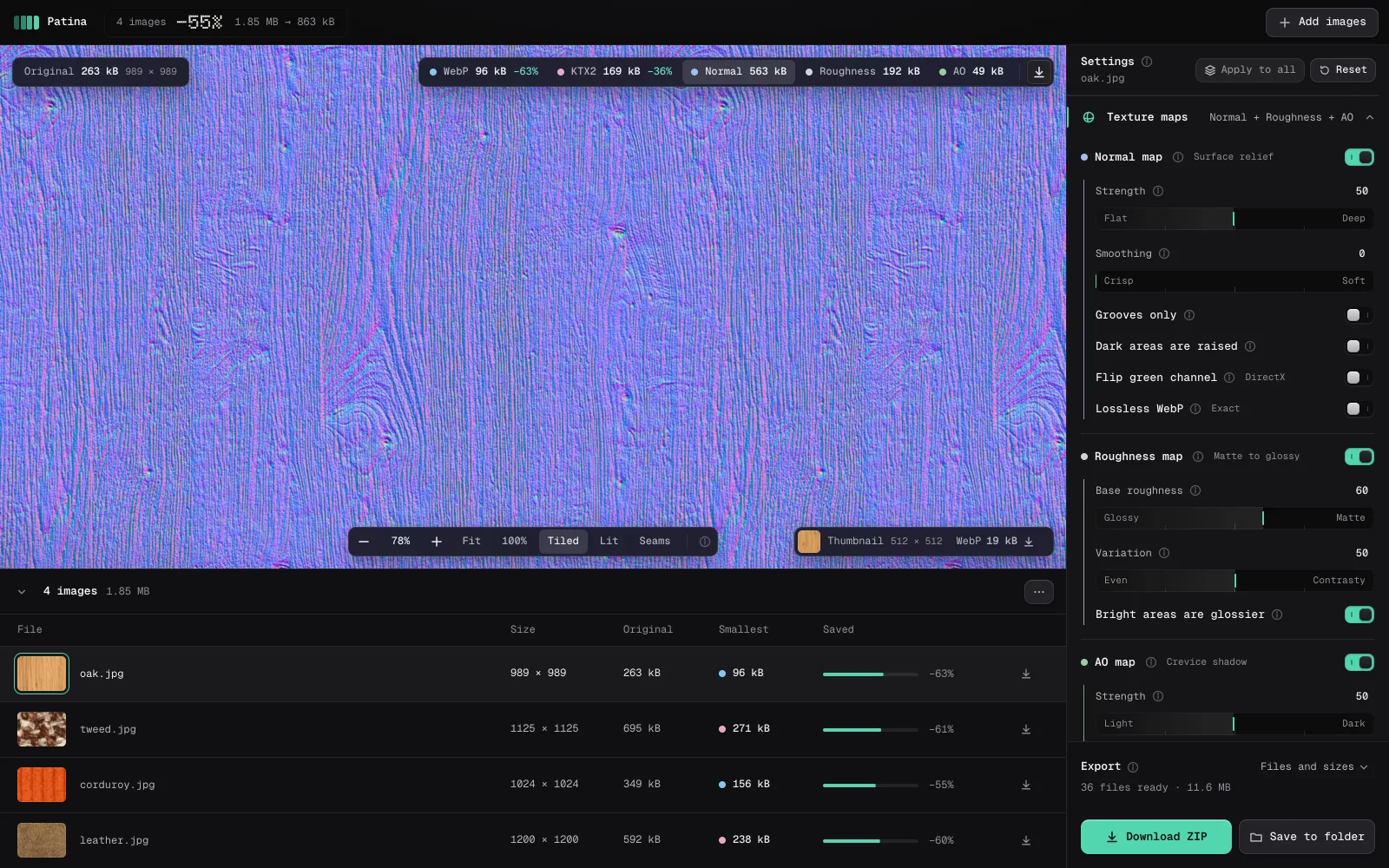
Derived from every image, tiled like the colour, with gaps shaded by ambient occlusion. Move your cursor to light it.
Recolour in OKLab: every pixel keeps its lightness, and all variants share one set of maps.
Squoosh's MozJPEG and libwebp, plus Basis Universal for GPU textures. Real sizes, encoded on this page:
Decoding, tiling, maps and encoding all run on your device, in Web Workers with WebAssembly.
Drop files, a folder or paste from the clipboard. Settings apply to every image; each result is there to inspect.
One ZIP or straight into a folder, sorted by format, with maps and thumbnails in their own folders and a report.
Every step updates live, next to the original, before you download anything.
Leave tiling, maps and variants off, which is how the editor opens, and Patina is a plain batch compressor. Drop a folder, pick JPG or WebP, download. The same codecs as Squoosh, and still nothing uploaded.
Encoded on this page. The file stays on your device.
A slice of the editor, running Patina's real tiling and map code. Pick a surface or drop in your own image. It never leaves your device.
Batches and folders, resizing, image correction, larger areas without a visible repeat, thumbnails, KTX2 for the GPU and a tidy export. Same look, same speed, still nothing uploaded.
Patina is a toolkit, not a one-click AI. It can't straighten an image taken at an angle or remove the shadows in it. Give it a straight, evenly lit shot of a surface and it handles the rest: tiling, maps, colour and export.
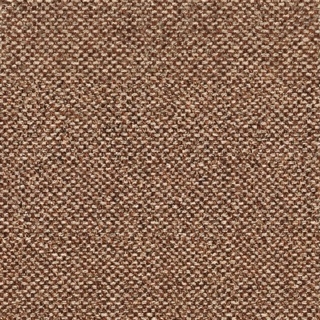
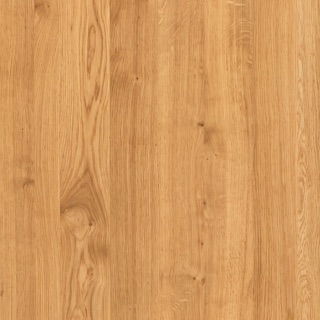
Hover an image to see the normal map Patina reads from it.
Your device does the work, so there's no server to pay for and nothing to charge you.
Everything, for everyone.
Every setting in the editor has its own info button with the details.
Yes. No trial, no plan, no account and no watermark. The page is static and all the work happens on your computer, so there is nothing to charge for.
No, and nothing honest can promise that. Patina is a set of tools, not a one-click AI. Start from an image shot straight on, in soft even light, with the surface filling the frame. An image taken at an angle, with objects or hard shadows in it, won't become a clean seamless material.
No. Decoding, tiling, the maps and the encoding all run in your browser, in Web Workers with WebAssembly codecs. Open your browser's network panel while you work: no image leaves the page.
Anything your browser can decode, which covers JPG, PNG, WebP, GIF, AVIF and BMP, plus iPhone HEIC. Out come JPG, WebP and KTX2 (ETC1S or UASTC, with mipmaps if you want them), each with its own quality.
Yes. The editor opens with tiling, maps and variants switched off, so out of the box it's a batch compressor: drop images or a folder, choose JPG, WebP or KTX2 and a quality, resize if you like, and download. Turn the material steps on only when you want them.
Normal maps default to OpenGL (green up), which Blender, Unity, Godot and three.js expect; switch to DirectX for Unreal. Roughness and AO are plain greyscale maps; the AO map goes in three.js's aoMap or multiplies over the base colour in Blender. For tiles and planks, turn on Grooves only so the normal map has seams and cracks but no bumps.
Start with Detail; it suits most images. Seam is better for stones and bricks with clear outlines, because it cuts around them instead of fading through them. Mirror suits patterns that may be flipped.
For real-time 3D on the web. A KTX2 texture stays compressed on the graphics card, so it uses far less memory than a JPG or WebP. ETC1S is smallest; UASTC keeps more detail.
Up to 16,384 pixels on a side. In practice your computer's memory decides; large batches run a few images at a time so the tab stays responsive.
Open Patina, drop an image, and leave with a texture set. Free, private, and ready in seconds.